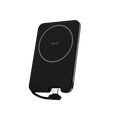
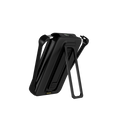
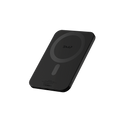
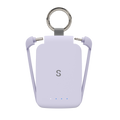
What's the difference between SnapBuddy Lite and Pro?
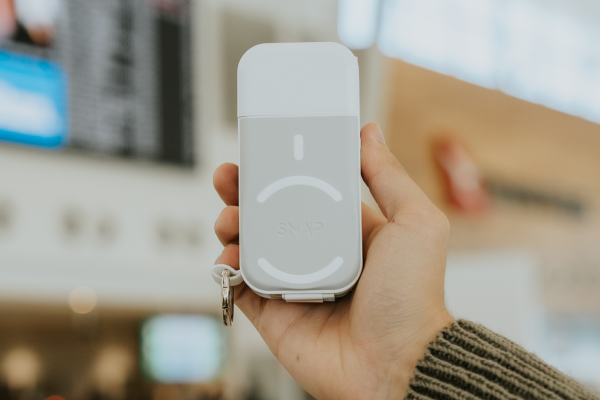
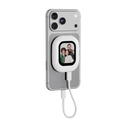
The SnapBuddy Lite requires a USB-C cable for connection (instant connection, includes Bluetooth remote, 38g, no battery). The SnapBuddy Pro is fully wireless using screen mirroring, features a built-in 760mAh battery, an integrated capture button and weighs just 50g.
Can I switch between portrait and landscape?
Yes. Press the middle button to rotate between portrait and landscape. SnapBuddy also supports 1:1 and full-screen display ratios.
How does SnapBuddy Pro connect to my phone?
iPhone: open Control Centre, tap Screen Mirroring, select Snap buddy BT, enter 1234 if prompted.
Android: open Cast, Smart View or Wireless Display and select Snap buddy BT. If the name doesn’t appear, long press the Display Ratio button for 3 seconds to switch channels.
Why would I use this instead of my front camera?
Your phone's rear camera delivers significantly better image quality, larger sensors, improved low-light performance and multiple lenses. SnapBuddy lets you use all of those advantages while seeing yourself in real time.
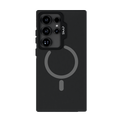
What if my phone doesn't have MagSafe?
If your phone isn't MagSafe compatible, simply use a magnetic ring or a MagSafe-compatible phone case.