









%20updated%20cable.png)
Description & How To Use
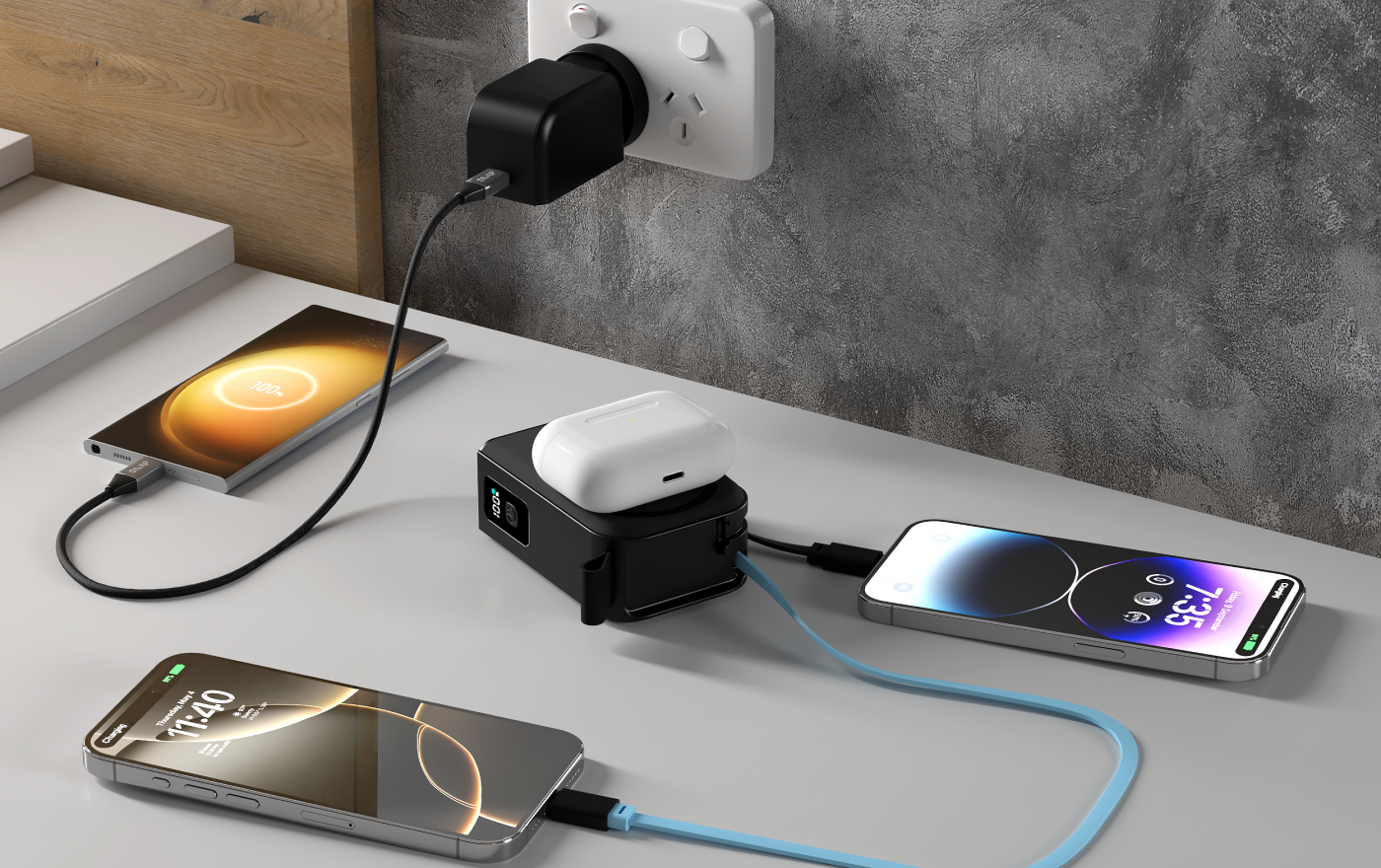
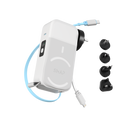
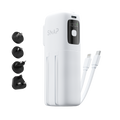
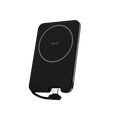
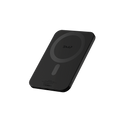
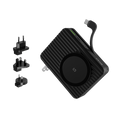
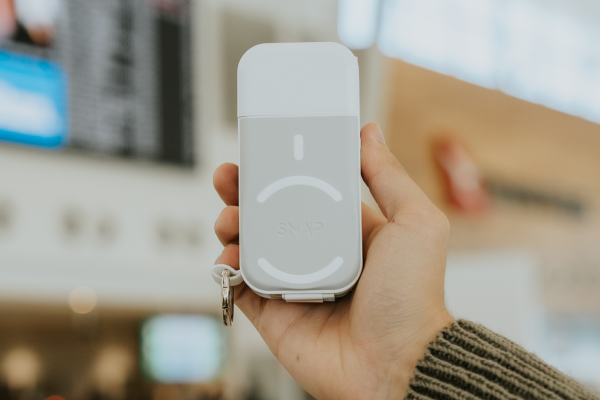
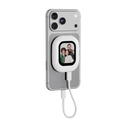
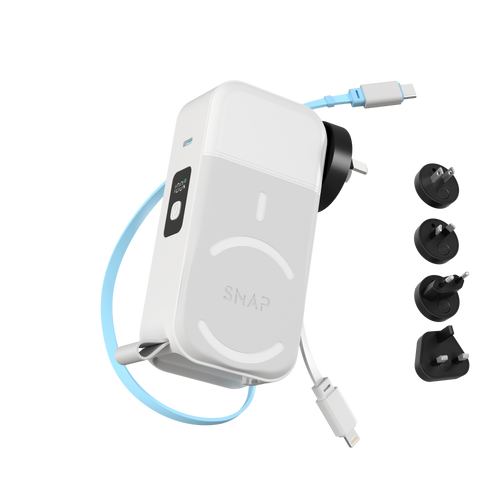
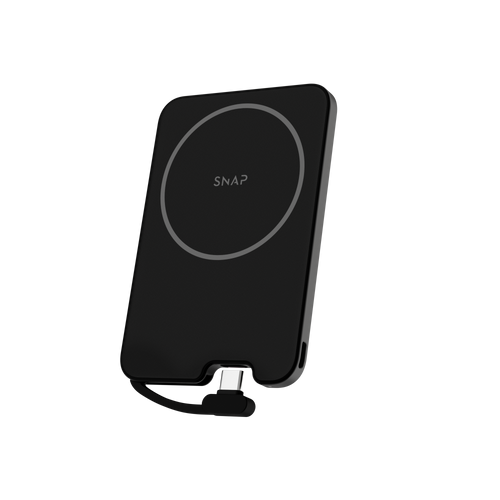
Meet the PowerPack 3, built for life on the go. Equipped with a 10,000mAh capacity, you'll have more than enough juice to keep your devices powered from morning to night. And with interchangeable cables, you can set it up your way — USB-C, Lightning, or skip cables altogether and go fully wireless.
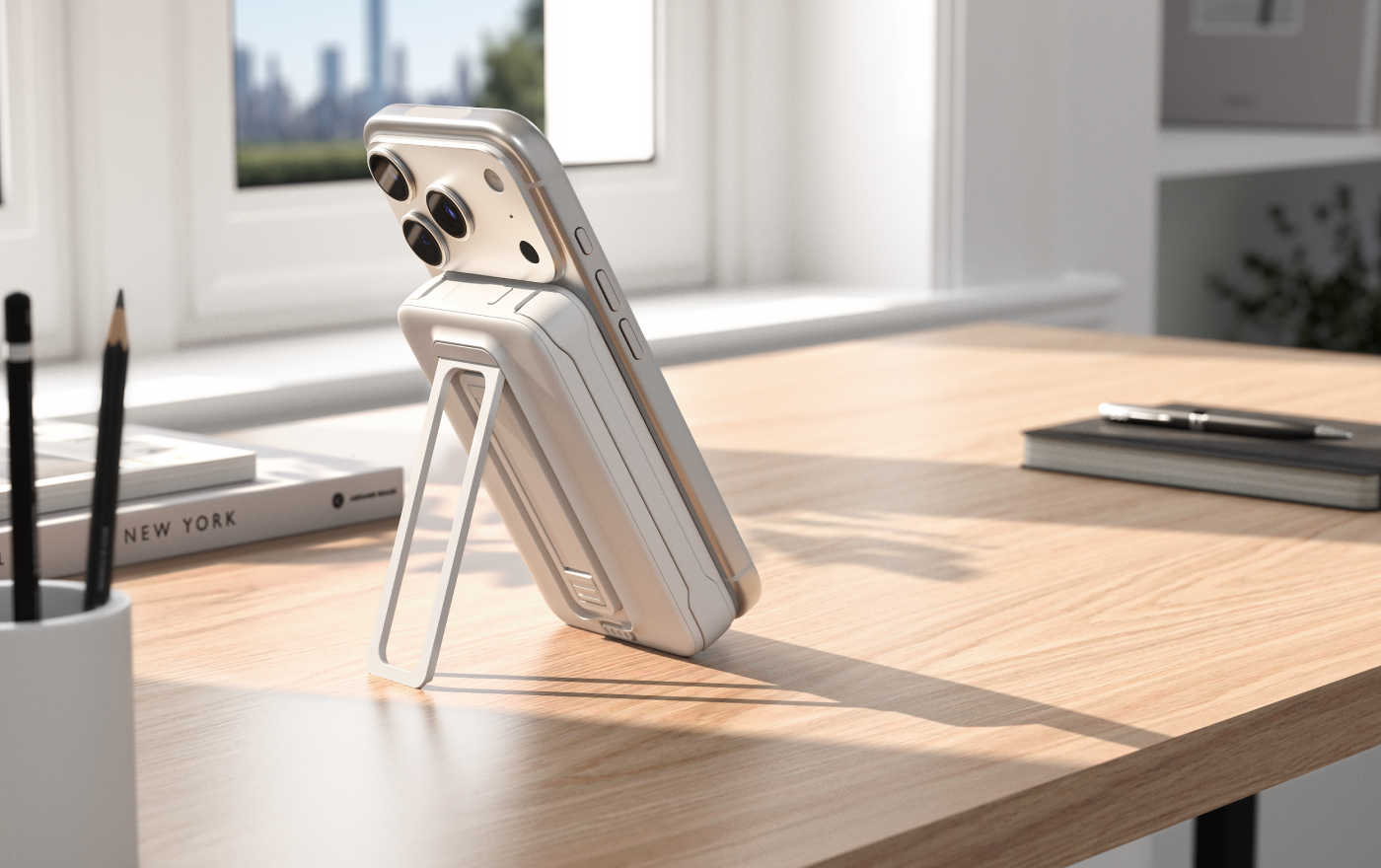
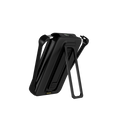
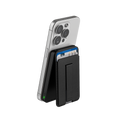
We’ve also made it more comfortable to use day to day. The built-in finger loop gives you a secure grip, while the kickstand lets you go hands-free whenever you need.
--
Unboxing and Tutorial
Tech Specs & Compatibility
Tech Specs
Capacity: 10000mAh, 38.5Wh, 3.85V
Pogo Pin Input: 5V⎓2A, 9V⎓2A
USB-C1 Input (USB-C cable): 5V⎓3A, 9V⎓2A, 12V⎓1.5A
USB-C1 Output (USB-C cable): 5V⎓3A, 9V⎓2.22A, 12V⎓1.67A
USB-C2 Output (USB-C port): 5V⎓3A, 9V⎓2.22A, 12V⎓1.67A
Wireless Output: 5W / 7.5W / 10W / 15W max
Total Output: 15W max
Dimensions: 110×68×22.5mm
Weight: 218.6g
Safety Protections: Overcharge protection, battery over-discharge protection, overcurrent protection, short circuit protection, over-discharge voltage protection, over temperature protection
Compatibility
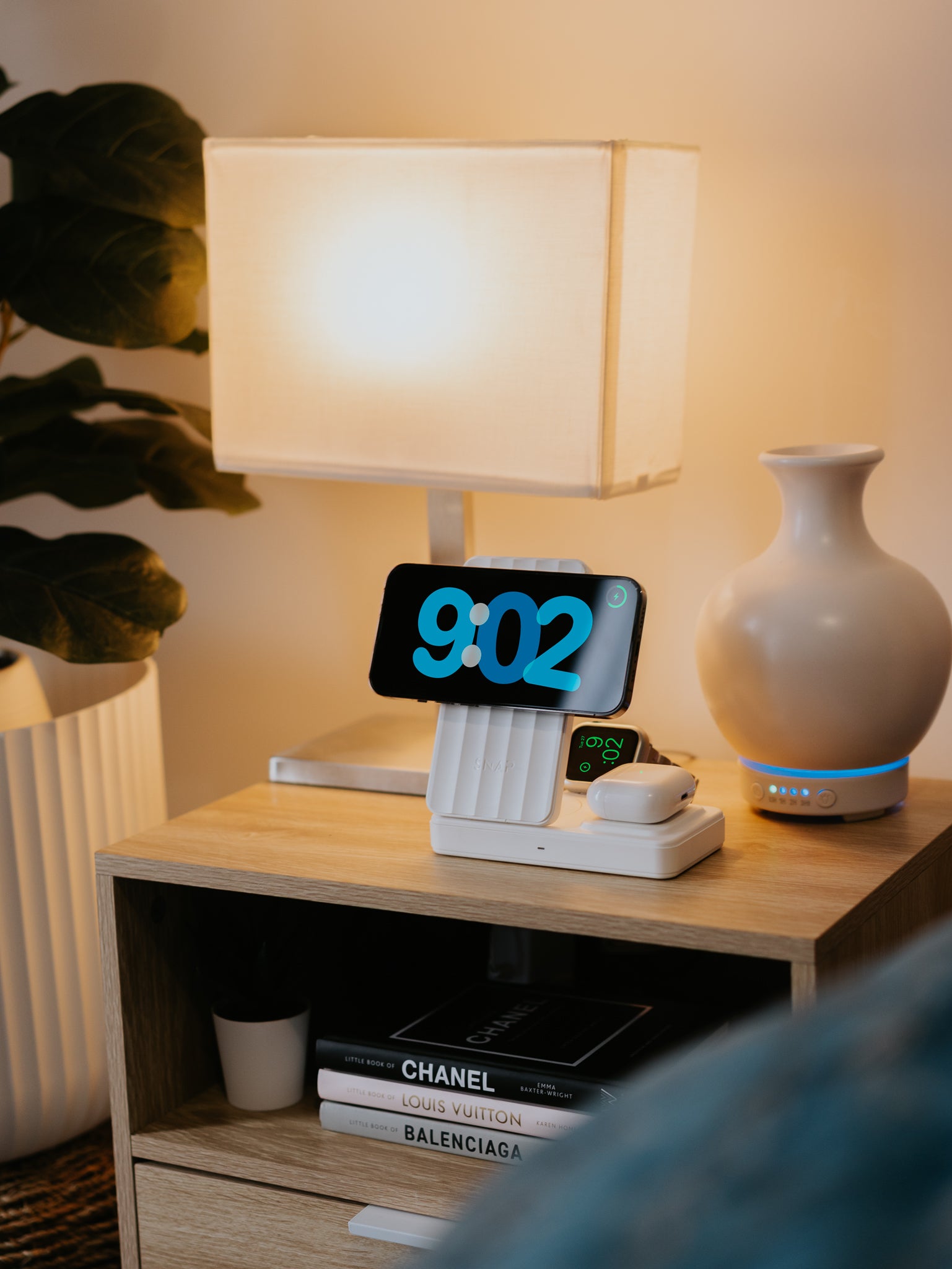
Compatible with any MagSafe or Qi enabled devices. If your smartphone is Qi enabled, but not MagSafe compatible you will need a SnapMag case. The PowerPack 3 can also charge any devices that use lightning or USB-C as a charging method, with its interchangeable cables.
Travel Compliant
The PowerPack 3 is approved for carry-on.

What's Included
What’s included in the box?
-
PowerPack 3
-
USB-C cable
-
Lightning cable
FAQ's
How do I recharge the PowerPack 3?
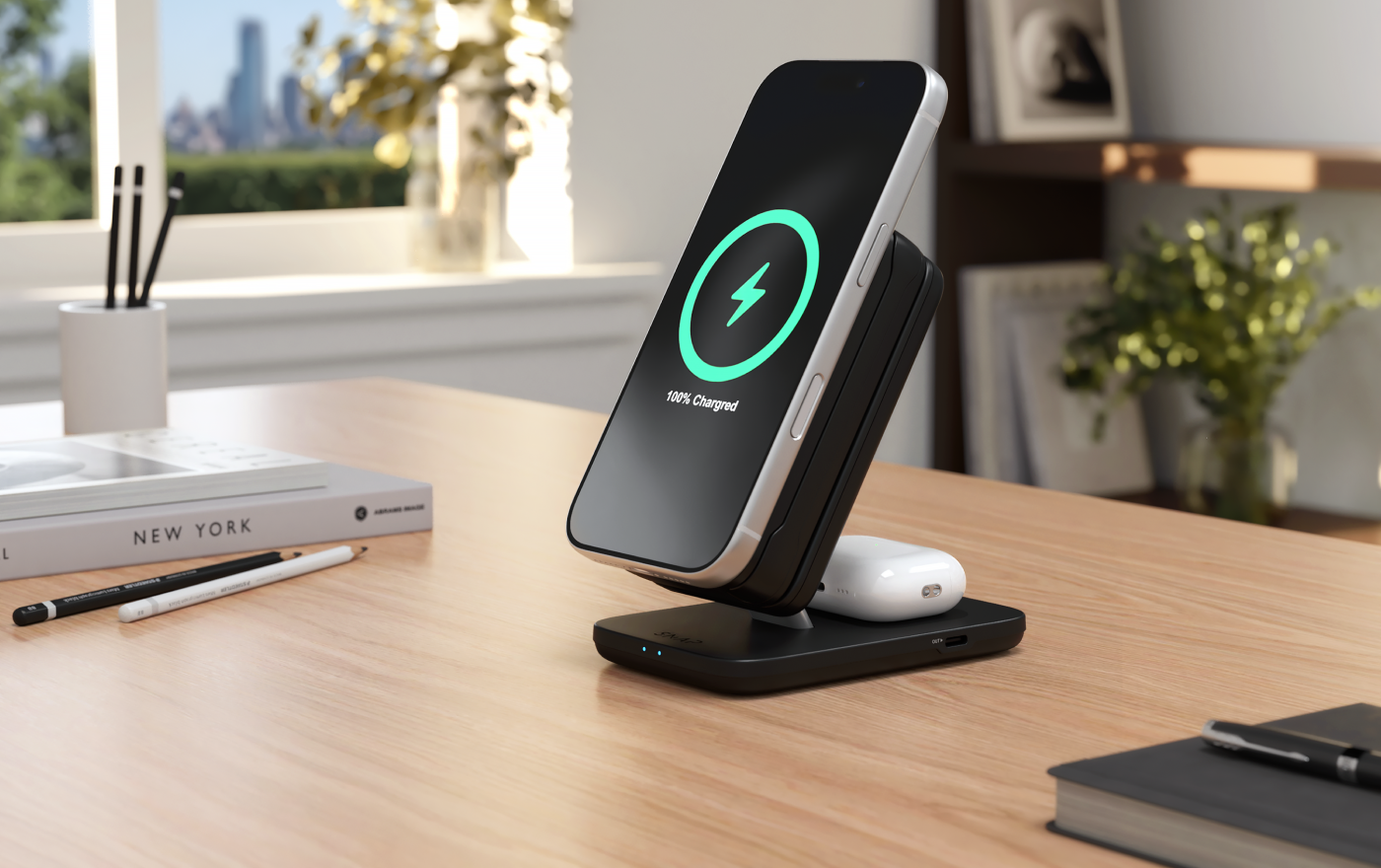
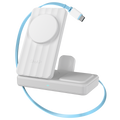
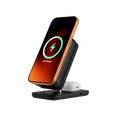
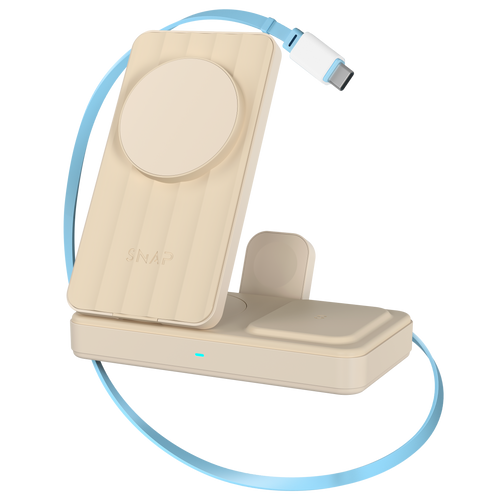
Simply attach the PowerPack 3 to the PowerDock 2 and it will recharge automatically, while still charging your smartphone at the same time.
Can I carry the PowerPack 3 in my carry on?
Yes, the PowerPack 3 is carry on approved.
Can I customise the charging cable setup in the PowerPack 3?
Yes, the PowerPack 3 comes with one USB-C and one Lightning interchangeable cable straight out of the box. If you'd like to customise your setup further, additional cables are available to purchase separately.

User Manual
Please contact us if you need a copy of the product user manual
Troubleshooting
Why isn’t my PowerPack 3 charging my phone wirelessly?
Please check:
-
Your phone supports wireless charging
-
Your phone is correctly aligned with the charging surface
-
You’re using a MagSafe-compatible phone or case
-
There are no metal plates, wallets, or pop sockets between the phone and power bank
Try removing the phone case and reattaching the PowerPack to confirm alignment.
Why is my phone charging slowly?
Charging speed can vary depending on:
-
Wireless vs wired charging
-
Battery percentage
-
Device temperature
-
Background apps running on the phone
Wireless charging is generally slower and less efficient than charging via cable. For the fastest charging speeds, use the built-in cable or USB-C port.
Why is my PowerPack 3 getting warm?
A small amount of warmth is normal during:
-
Wireless charging
-
Fast charging
-
Simultaneous charging and discharging
Wireless charging naturally generates more heat than wired charging.
If the unit becomes excessively hot, disconnect it and allow it to cool before use
Can I use the PowerPack 3 while it is charging?
Yes.
The PowerPack 3 can generally charge devices while it is being recharged on the PowerDock 2, although charging speeds may be slower.
Returns & Warranty
Every SnapWireless product is covered by our 60 Day Return Policy and a 24-month Product Warranty. For full details: